Small business owners often spend time on repeat work: answering similar customer questions, turning rough notes into content, and documenting processes that only one person remembers. ChatGPT for small business can help with those tasks by creating a fast first draft you can review and edit.
The best use of AI here is support, not replacement. In other words, let ChatGPT handle the blank page, then use your judgment to check accuracy, tone, and fit. This article covers three practical ways to save time without overcomplicating your workflow.
1) ChatGPT for small business: draft customer replies faster
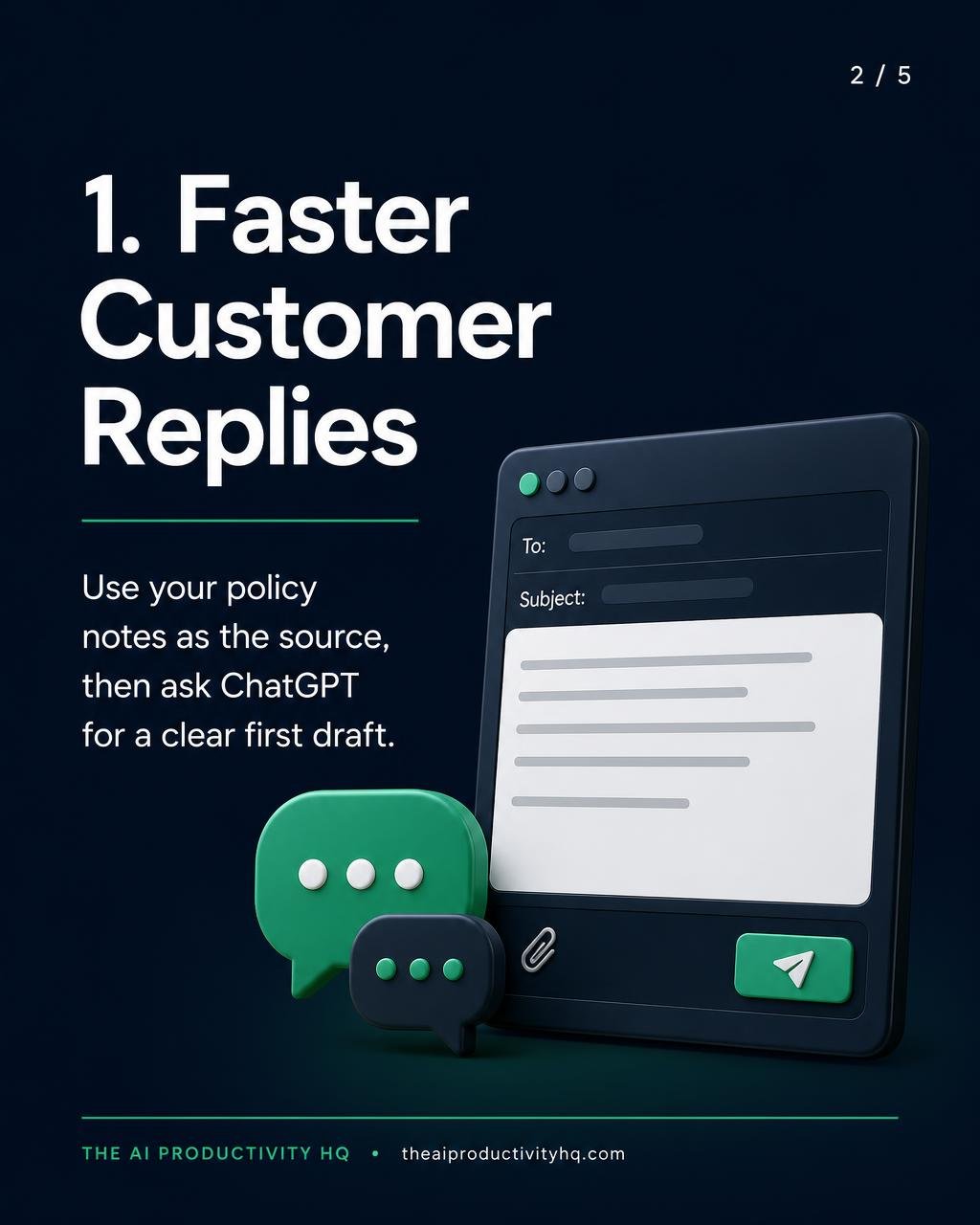
Many businesses answer the same questions over and over: hours, pricing basics, shipping policies, appointment details, or service availability. One useful application of ChatGPT for small business is turning a short policy note into a customer-friendly reply.
For example, if a customer asks whether a service is available on weekends, you might start with a note like: “We offer appointments Monday through Friday, 9 a.m. to 5 p.m. Weekend requests are reviewed on a case-by-case basis.” Then prompt ChatGPT to turn that into a polite, concise message.
Try a prompt like this:
Rewrite this into a friendly customer-service response under 80 words. Keep the tone professional and clear. Do not promise anything that is not in the source note.
This works well because you still control the facts. ChatGPT gives you a starting point, and you can quickly check whether the wording fits email, chat, or direct messages.
Limitations: Do not use it to invent policy details, deadlines, or exceptions. Avoid using it for sensitive situations that need human judgment, such as unusual refund requests, disputes, legal questions, or compliance issues.
2) Turn rough notes into usable content
Many owners already have content ideas scattered across notebooks, voice memos, email drafts, or a phone camera roll. The challenge is not a lack of ideas. It is the time needed to organize them into something usable.
ChatGPT for small business can turn rough notes into blog outlines, email drafts, social captions, FAQs, or a simple newsletter. For example, a few notes like “Summer cleaning tips, remind customers to book early, mention limited slots, keep it friendly” can become a short promotional email or LinkedIn post.
Try a prompt like this:
Using these notes, create a 3-paragraph draft for small business customers. Use a clear headline, a friendly tone, and one call to action. Keep the message practical and avoid hype.
This saves time because the first draft is often the hardest part. Instead of starting with a blank screen, you start with something you can edit in minutes. That can be especially helpful if you need to stay visible online but do not have time to write from scratch every week.
Limitations: Review the output for accuracy, brand voice, and any claims that need proof. If the draft sounds generic, add your own examples, local references, or customer language so it feels grounded in your business.
For more ways to structure your requests, explore our Prompt Guides.
3) Build checklists and SOPs from repeat tasks
Another practical use of ChatGPT for small business is documenting how work gets done. If you repeat the same task often, such as onboarding a client, preparing an order, publishing a post, or closing out the day, ChatGPT can help turn the process into a checklist or simple standard operating procedure.
For example, if your closing routine includes counting the register, confirming tomorrow’s appointments, backing up files, and setting the alarm, you can give ChatGPT those steps and ask it to organize them into a clean checklist.
Try a prompt like this:
Convert these steps into a numbered checklist for a team member. Group the steps by before, during, and after. Make the language simple and easy to follow.
This saves time in two ways. First, it reduces the effort of writing the document. Second, it makes training easier later because the steps are already organized. For a small team, that can reduce repeated explanations and help work run more smoothly.
Limitations: A checklist is only useful if it matches real operations. ChatGPT can draft the structure, but you still need to confirm that the steps are correct, complete, and up to date. If the process changes, the checklist should change too.
A simple way to start
To try ChatGPT for small business without overcomplicating it, start with one small task this week. Pick one repetitive customer reply, one piece of content, or one internal process. Give ChatGPT only the information it needs, ask for a specific format, and review the result before using it.
The goal is not to automate everything. The goal is to save time on repetitive work so you can spend more energy on decisions, relationships, and growth. Used this way, ChatGPT becomes a practical assistant for the parts of business that slow you down the most.
Explore more practical workflows in our AI for Business guides. Before sharing business information with ChatGPT, review OpenAI’s guidance on data controls and your own company’s policies.
FAQ
What should I give ChatGPT first?
Start with your own notes, policies, or steps. The better the source material, the better the draft.
What should I avoid?
Avoid asking it to make up business details or handle sensitive situations without review.
How do I keep the output useful?
When using ChatGPT for small business, ask for a specific format, a clear tone, and a word limit. Then edit the draft so it sounds like your business.