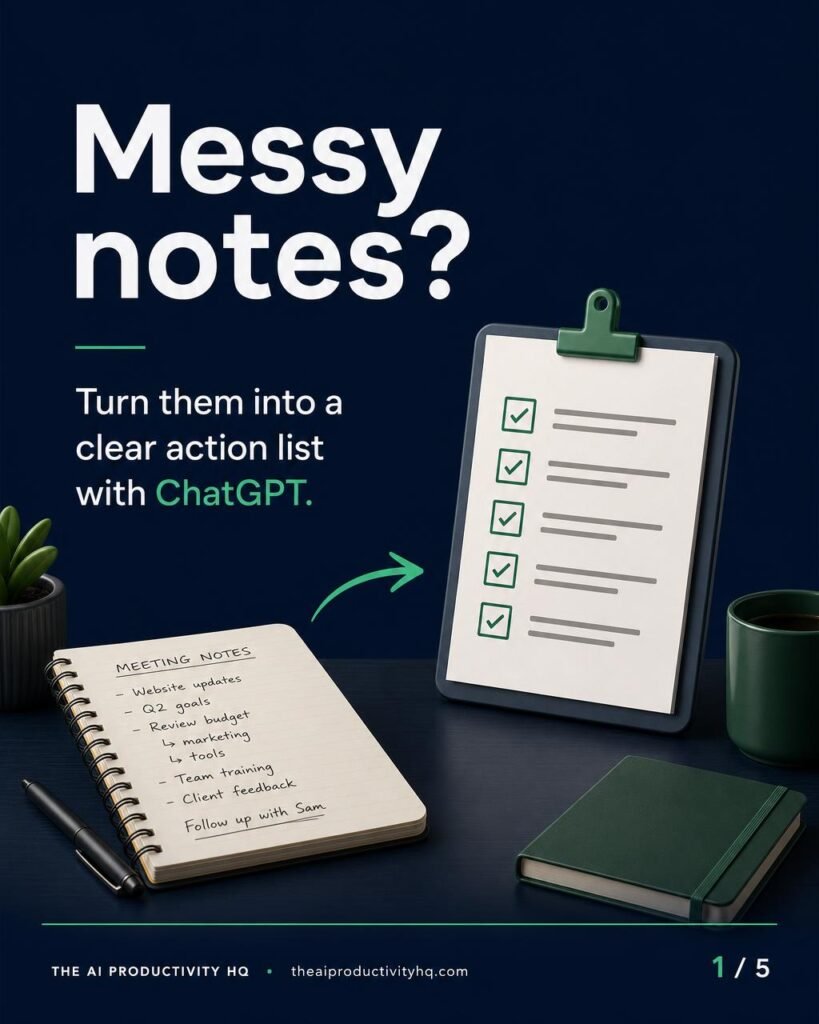
Turning your meeting notes to action list can make a busy week feel a lot more manageable. Instead of rereading a long note dump, you can use ChatGPT to sort the content into clear next steps—while still keeping your original notes as the source of truth.
The goal is not to let AI decide what happened. The goal is to help you separate what was actually confirmed in the meeting from what still needs attention. For small business owners, that means clearer follow-up, fewer dropped balls, and less time spent decoding vague notes.
Why this meeting notes to action list workflow helps
Meeting notes often mix decisions, ideas, tasks, reminders, and questions all in one place. That makes it easy to assume something was assigned when it was only discussed. A better meeting notes to action list process gives each item a clear label before you share it with your team.
Use these five buckets:
- Confirmed decisions — choices the group actually agreed on.
- Tasks — actions that need follow-up.
- Owners — the person responsible, only if the notes name one.
- Deadlines — the date or timing mentioned, only if it appears in the notes.
- Unresolved questions — items that still need an answer.
If a detail is missing, do not fill it in. Mark it as To confirm. That one rule protects the accuracy of the final list and keeps the output aligned with the original notes.
For more workflow ideas, see our AI for business guide and our prompt guides. For official guidance on data handling in ChatGPT, review OpenAI’s data controls guidance.
What to separate in your notes
Before you ask ChatGPT to organize anything, read through the notes once and look for patterns. A strong meeting notes to action list separates content by meaning, not by sentence order.
Confirmed decisions
These are the choices the team agreed to make. They should be written as facts, not guesses.
Tasks
These are the actions that need follow-up. If a task is implied but not explicit, keep it as a question or mark it To confirm.
Owners and deadlines
Only assign an owner or deadline when the original notes clearly include one. Never infer them from context.
Unresolved questions
Questions belong in a separate section so they do not get mistaken for finished decisions or assigned work.
A fictional small-business meeting example
Here is a fictional example for a neighborhood bakery:
- The team agreed to test a holiday cookie box.
- Mia will ask the packaging supplier for updated pricing.
- Launch timing depends on the next production schedule.
- The group needs a decision on delivery versus pickup only.
- The customer email list needs cleanup before any campaign goes out.
This example includes a mix of confirmed decisions, tasks, one named owner, missing deadlines, and open questions. That is exactly the kind of input a meeting notes to action list workflow can help organize.
Notice what is not included: no invented due date, no guessed backup owner, and no assumption that the launch timing is known. Anything missing stays To confirm.
Reusable prompt for ChatGPT
Use this prompt with your own notes:
Prompt: Review the meeting notes below and turn them into a clear action list for a small business. Separate the content into confirmed decisions, tasks, owners, deadlines, and unresolved questions. Do not infer any owners or deadlines that are not explicitly stated. If a detail is missing, write “To confirm.” Keep the wording concise and preserve the meaning of the original notes. Then compare the result against the source notes and flag anything uncertain.
If you want a shareable format, add this line: “Return the result as a table with columns for type, item, owner, deadline, and status.”
Before and after action table
Before: raw notes
| Meeting note |
|---|
| The team agreed to test a holiday cookie box. |
| Mia will ask the packaging supplier for updated pricing. |
| Launch timing depends on the next production schedule. |
| Need a decision on delivery versus pickup only. |
| The customer email list needs cleanup before any campaign goes out. |
After: clear action list
| Type | Item | Owner | Deadline | Status |
|---|---|---|---|---|
| Decision | Test a holiday cookie box | To confirm | To confirm | Confirmed in notes |
| Task | Ask supplier for updated packaging pricing | Mia | To confirm | Action needed |
| Task | Confirm launch timing with production schedule | To confirm | To confirm | Blocked by schedule |
| Unresolved question | Delivery or pickup only? | To confirm | To confirm | Needs decision |
| Task | Clean up customer email list | To confirm | To confirm | Action needed |
This format makes it easier to see what the meeting actually decided and what still needs clarification. It also reduces the chance of turning a vague note into an overly certain task.
How to review the result
ChatGPT can help structure the notes, but it should not be treated as the final authority. Review the output line by line against the original notes and check for these issues:
- Is each decision explicitly stated?
- Was any owner added without being named?
- Was any deadline invented or assumed?
- Are unresolved questions separated from completed decisions?
- Is every missing detail marked To confirm?
If the notes are especially messy, you can run the prompt a second time with a narrower instruction, such as: “Only extract confirmed decisions and tasks with stated owners or deadlines.” That may reduce clutter, but it still does not replace checking against the source notes.
FAQ
Can ChatGPT fill in missing owners or deadlines?
No. If the notes do not state an owner or deadline, keep it as To confirm.
Should every comment from the meeting become a task?
No. Keep the final list focused on decisions, tasks, owners, deadlines, and unresolved questions.
What if one note contains more than one action?
Split it into separate items so each part can be tracked clearly.
What is the biggest mistake to avoid?
The biggest mistake is guessing. A reliable meeting notes to action list depends on careful review of the original notes before anything is shared.
Used this way, ChatGPT can help small-business owners turn meeting notes into a clearer, more usable action list. The workflow works best when you keep the source notes close, separate the categories carefully, and leave uncertain details marked To confirm.